Artificial intelligence is no longer just a technology trend; it is an actual study companion for millions of students all over the world. Whether you need some assistance with summarising lecture notes, solving maths problems, enhancing essays, making presentations, or managing your study schedule, the right AI tool can save you hours of work.
The difficulty is that hundreds of AI tools are available today – and many students find themselves bewildered about which ones are legitimate versus all the eye-candy ones.
To guide you, we’ve sorted through the best free AI tools for students in 2026, considering how easy they are to use, how many free features they offer, support for learning, productivity features, and value for money. From research and note-taking to writing, coding, presentations, exam prep, and productivity, AI study tools have you covered.
Quick Comparison of the Best Free AI Tools for Students
| AI Tools | Best For | Free Plan | Platform | Rating |
|---|---|---|---|---|
| ChatGPT | Homework & General Assistance | Yes | Web, Mobile | 9.8/10 |
| Google Gemini | Research & Google Users | Yes | Web, Mobile | 9.6/10 |
| Perplexity AI | Academic Research | Yes | Web, Mobile | 9.5/10 |
| NotebookLM | Lecture Notes & PDFs | Yes | Web | 9.4/10 |
| Grammarly | Academic Writing | Yes | Web, Desktop | 9.3/10 |
| QuillBot | Paraphrasing | Yes | Web | 9.2/10 |
| Notion AI | Productivity | Limited | Web, Desktop | 9.1/10 |
| Canva AI | Presentations & Design | Yes | Web, Mobile | 9.4/10 |
| Gamma | AI Presentations | Yes | Web | 9.2/10 |
| GitHub Copilot | Programming | Student Access Available | Desktop | 9.5/10 |
| Wolfram Alpha | Mathematics | Yes | Web | 9.4/10 |
| Quizlet | Exam Preparation | Yes | Web, Mobile | 9.2/10 |
| Otter.ai | Lecture Transcription | Yes | Web, Mobile | 9.1/10 |
| Khanmigo | Learning Support | Limited | Web | 9.0/10 |
| Microsoft Copilot | Microsoft Ecosystem | Yes | Web, Desktop | 9.3/10 |
How We Chose These AI Tools
There are several hundred AI education tools out there today and finding the right ones can be difficult. This list was generated by examining each tool in this toolbox based on the following criteria:
Free Access and Student Affordability
Because of the tight budgets students have, we also considered the AI that provides some useful free offers and did not just offer trial products that have minimal use.
Accuracy and Reliability
However, without reliable information (reasonably accurate), an AI homework helper is not useful. We concentrated on instruments with reputable reputations.
Ease of Use
The ideal AI study tools are user-friendly and can be used by anyone, regardless of their technical expertise.
Research and Learning Capabilities
We prioritised AI tools that are intended to help with education, not content creation.
Productivity Benefits
All these tools in this list are going to help the students save time, be more organised or more efficient at learning.
The following tools are among the best available in 2026 (in terms of functionality, usability and pedagogical value).
ChatGPT – Best Overall AI Tool for Students
In 2026, if we had to select just one AI tool, it would probably be ChatGPT.
With its ability to assist with almost every facet of student life, ChatGPT has emerged as one of the most widely used AI learning helpers. It can be used for teaching students, creating notes, coding tasks, or brainstorming. Its versatility is unmatched, whether you’re dealing with complex topics, creating study notes, coding tasks, or brainstorming project ideas.
Unlike many niche tools available for just one specific use, ChatGPT can be used as an AI study companion for everything.
Key Features
- Natural conversational interface
- Homework help, essay and assignment help.
- Study note generation
- Coding support
- Brainstorming/Idea Generation
- Language learning assistance
- Research support
- Content summarization
Best Student Use Cases
- Understanding difficult concepts
- Creating revision notes
- Drafting essays
- Preparing presentations
- Practicing interviews
- Learning programming
- Solving academic problems
Pros
- Extremely versatile
- Easy to use
- Stands up to almost all subjects
- Excellent free plan
- Strong productivity benefits
Cons
- May give misinformation at times
- Academic claims must always be substantiated.
Who Should Use ChatGPT?
Students seeking one AI tool to help with research, writing, studying, coding, productivity, and all day-to-day academic needs.
Ideal for research and Google Workspace users.Suitable for use by learners for research and Google Workspace users.
ChatGPT is also one of the best tools for assignment completion, problem solving and understanding of complicated concepts. For those aiming for academic achievement, discover the best free AI tools for homework help.
Google Gemini – Best for Research and Google Workspace Users
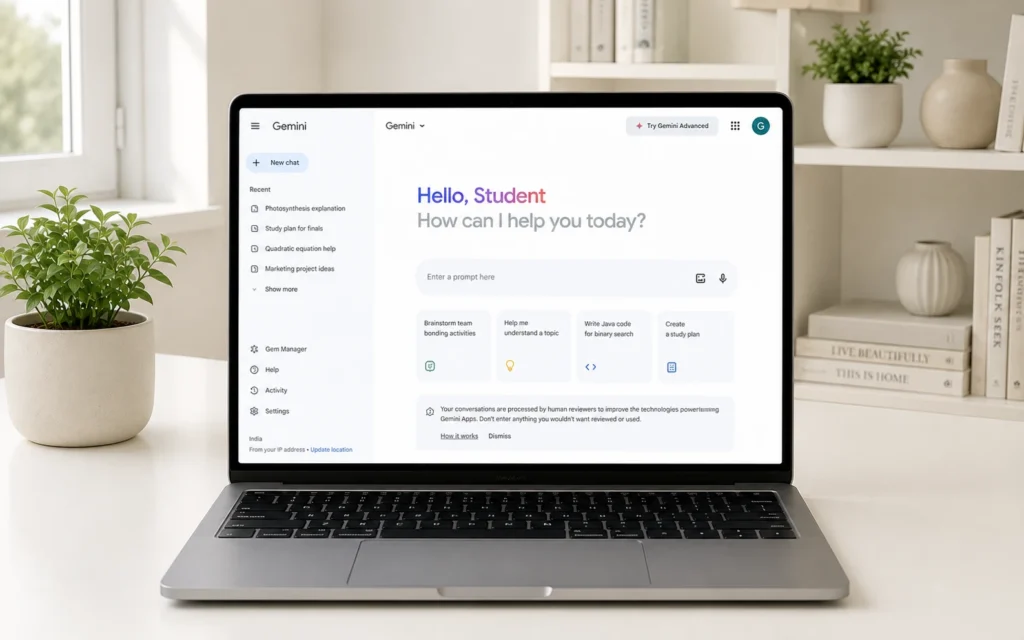
Being connected to Google Search, Google Documents, Google Drive, Gmail, and other Google services, many students are familiar with Gemini.
Gemini tends to excel at tasks that are more task-oriented, such as research.
Key Features
- Effective online research skills
- Google ecosystem integration
- Image understanding
- Long-form content generation
- Study assistance
- Real-time information support
Best Student Use Cases
- Research projects
- School assignments
- Information gathering
- Content summarization
- Classroom collaboration
Pros
- Quickly access information.
- Excellent Google integration
- User-friendly interface
- Useful to aid in research activities
Cons
- There are paid plans for some advanced features.
Who Should Use Google Gemini?
Students who are already familiar with Google Workspace and want an AI research assistant that they can rely on for their regular academic tasks.
Perplexity AI – Best AI Research Assistant
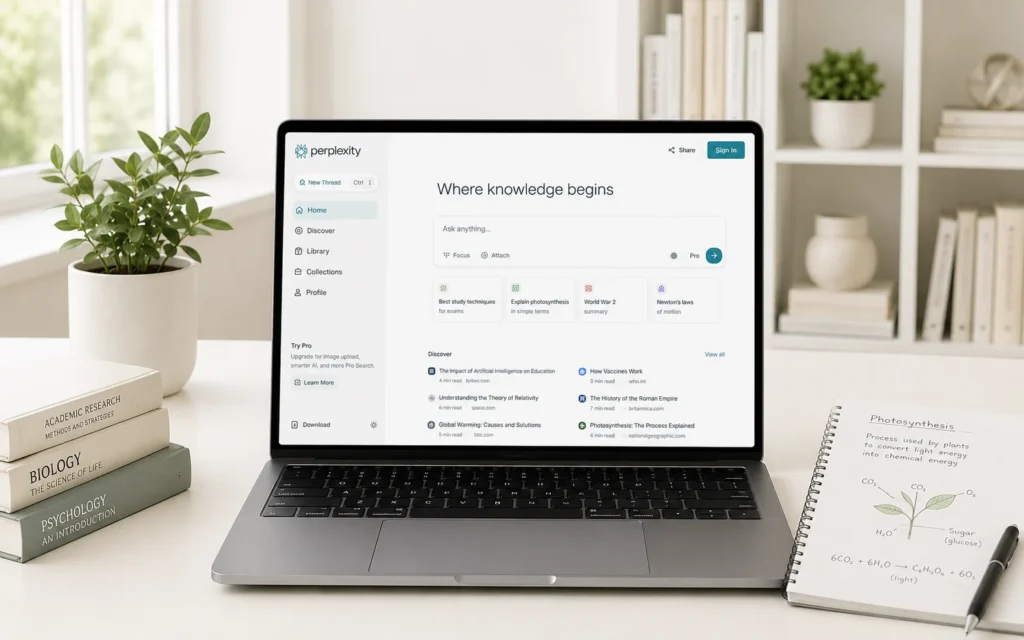
Many popular AI tools will leave users with the answers without telling them where they came from.
To rectify that, Perplexity AI offers source references and quotes. This is especially useful in creating reports, essays, research papers and academic projects.
Whereas, Perplexity isn’t just about churning out results; it’s about guiding users toward reliable info.
Key Features
- Source-backed answers
- Citation support
- Research-focused search experience
- Fast information retrieval
- Follow-up research capabilities
Best Student Use Cases
- Academic research
- Literature reviews
- Fact-checking information
- Research paper preparation
- Gathering credible sources
Pros
- Transparent sources
- Excellent research experience
- Perfect for study purposes
- Easy-to-understand interface
Cons
- Less innovative than ChatGPT
- AMS is more suitable for research than content creation.
Who Should Use Perplexity AI?
Anyone who goes to college, university, or research institutes, and anyone who does a lot of work with academic sources.
NotebookLM – Best for Lecture Notes and PDFs
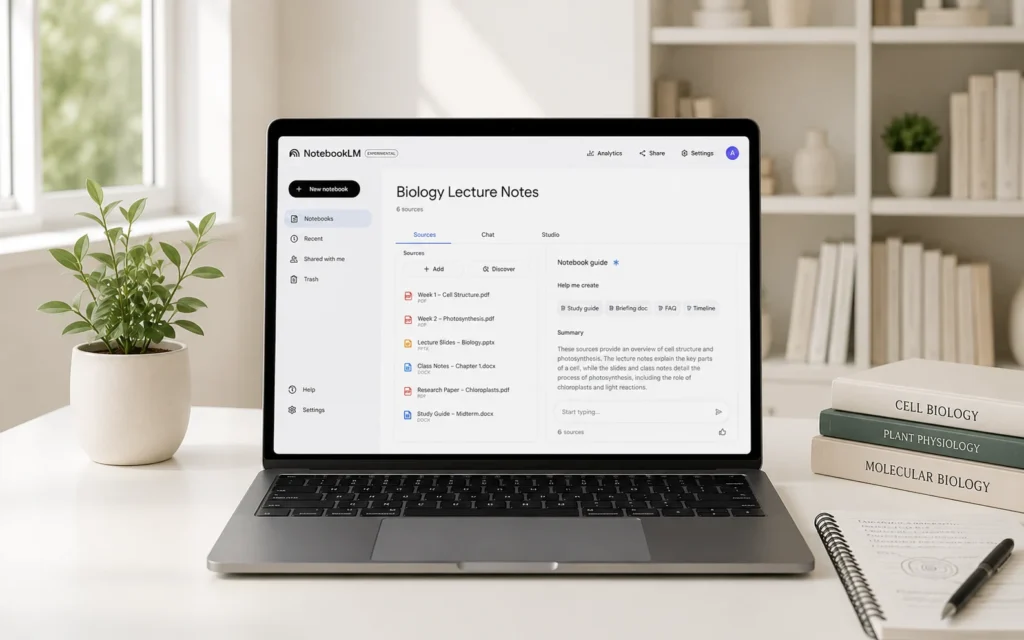
NotebookLM is one of the lesser-talked-about AI-powered tools to date and is emerging as a student’s favourite.
NotebookLM is not just another general AI chatbot or internet search engine but an AI that uses your own documents.
Lecture notes, PDFs, research papers, study guides, and class materials can be uploaded. The AI is then trained to be an individualised study assistant and can answer questions from the documents.
Key Features
- PDF analysis
- Lecture note summarisation
- Question-answer functionality
- Personalised learning experience
- Research document support
- Study guide generation
Top Student Use Cases
- Exam preparation
- Lecture revision
- Research paper analysis
- Creating study guides
- Reviewing class materials
Pros
- Uses your own learning materials
- Excellent for revision
- Saves valuable study time
- Helps organize information
Cons
- Without uploaded documents, it is less useful.
Who Should Use NotebookLM?
Students who attend lectures regularly, read the textbooks, academic PDFs, and research materials.
Grammarly – Best AI Writing Assistant
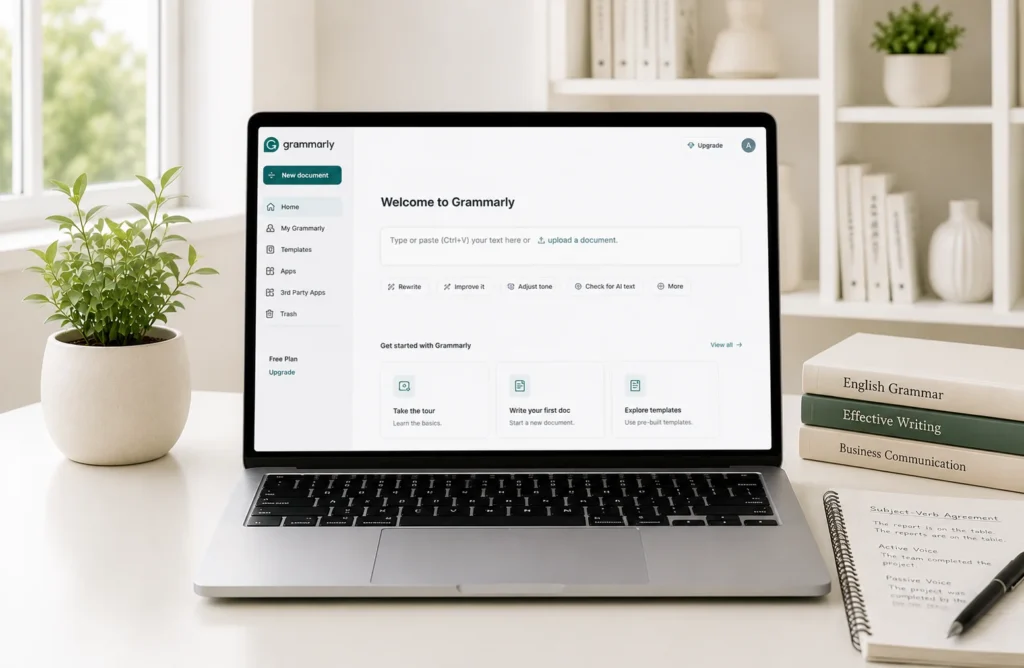
The importance of good writing in academic studies cannot be overstated and Grammarly remains one of the best AI writing tools around.
Grammarly can enhance clarity, grammar, punctuation and sentence structure in essays, research papers, assignments, scholarship applications and reports.
It serves as a second editor before the submission to many students.
Key Features
- Grammar correction
- Writing suggestions
- Tone improvement
- Clarity enhancements
- Readability analysis
- Plagiarism-related assistance
Best Student Use Cases
- Essay writing
- Research papers
- Assignments
- Scholarship applications
- Academic reports
Pros
- Easy to use
- Improves writing quality
- Saves editing time
- Useful for non-native speakers to learn English.
Cons
- Advanced features not available on free accounts.
Who Should Use Grammarly?
Students who are regular essayists, homework writers, academic writers, report writers, and business writers.
QuillBot – Best for Paraphrasing and Rewriting
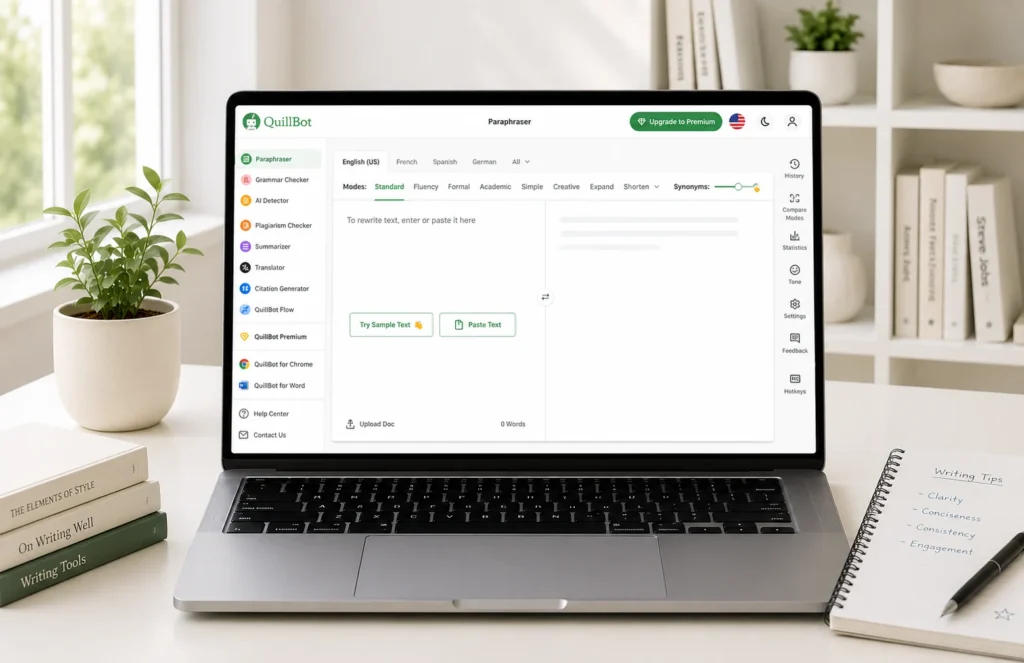
QuillBot is a highly popular AI writing tool for students. From simplifying complex texts to rewriting sentences to summarising lengthy study materials, QuillBot can greatly help with writing efficiently.
QuillBot is utilised by numerous students to improve the readability of their work assignments while preserving the meaning.
Key Features
- AI-powered paraphrasing
- Multiple rewriting modes
- Summarizer tool
- Grammar checker
- Citation generator
- Sentence restructuring
Best Student Use Cases
- Rewriting assignments
- Simplifying difficult concepts
- Improving sentence clarity
- Summarising research materials
- Creating study notes
Pros
- Beginner-friendly interface
- Excellent paraphrasing quality
- Useful summarisation tools
- Saves writing time
Cons
- The free plan allows for word limits.
- Some of the advanced features require payment.
Who Should Use QuillBot?
Students who routinely complete long-form writing, reports, assignments and research-based writing.
Notion AI – Best Productivity Tool for Students
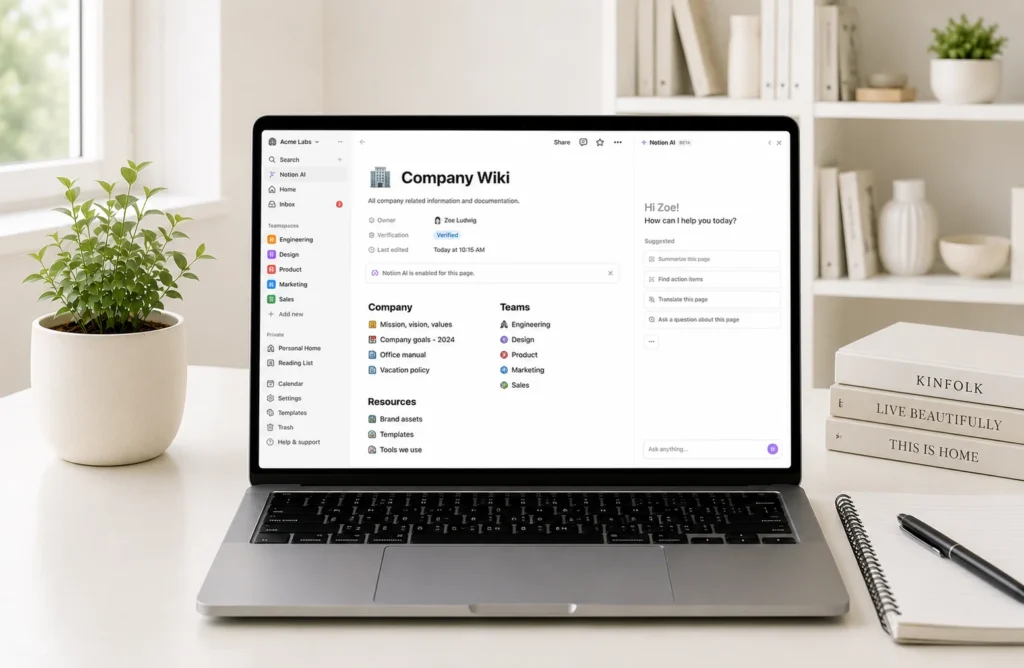
It can easily become overwhelming to keep track of various classes, assignments, projects and deadlines, along with notes. In the modern age of learning, students can expect to get an AI assistant that collaborates with them as they plan, take notes, and manage projects, all within the same application called Notion AI.
Students can have all things in one workspace as opposed to switching between multiple productivity apps.
Key Features
- Smart note organisation
- AI-generated summaries
- Task management
- Assignment tracking
- Study planning tools
- Content generation assistance
Best Student Use Cases
- Organising semester notes
- Planning study schedules
- Managing group projects
- Tracking assignment deadlines
- Creating research databases
Pros
- Powerful organisation system
- All-in-one workspace
- Strong productivity features
- Useful AI assistance
Cons
- Easy to use for new users
- Certain AI capabilities might be used only a certain amount.
Who Should Use Notion AI?
Students who desire improved organisation, productivity and academic planning.
Canva AI – Best for Presentations and Visual Projects
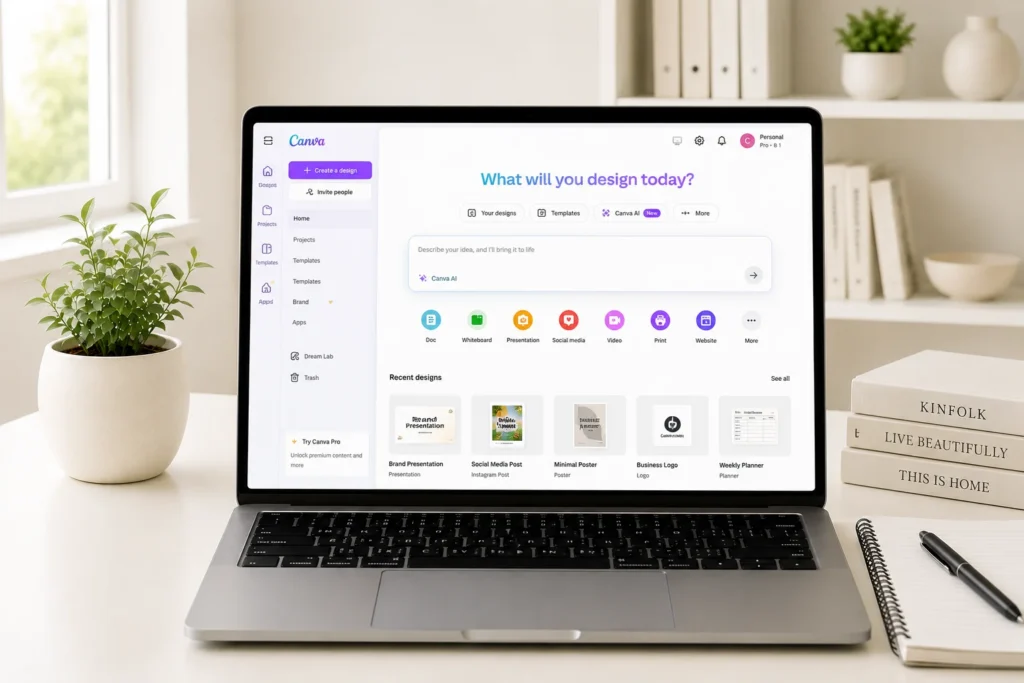
Nowadays, education isn’t restricted to written tasks. Students are frequently expected to develop some sort of presentation or poster, an infographic, a report or a visual project.
These tasks are much easier with Canva AI.
Students can create compelling designs with ease, even if they don’t have any experience in design, thanks to AI-powered design tools.
Key Features
- AI presentation generation
- This is Magic Write content creation.
- AI image generation
- Design recommendations
- Thousands of templates
- Drag-and-drop editor
Best Student Use Cases
- School presentations
- University projects
- Posters and infographics
- Visual reports
- Classroom assignments
Pros
- Extremely easy to use
- Massive template library
- Great free plan
- Professional-looking results
Cons
Please note that certain premium assets will need payment.
Who Should Use Canva AI?
Students who make presentations, have visual projects, and/or make educational graphics often.
Gamma – Best AI Presentation Generator
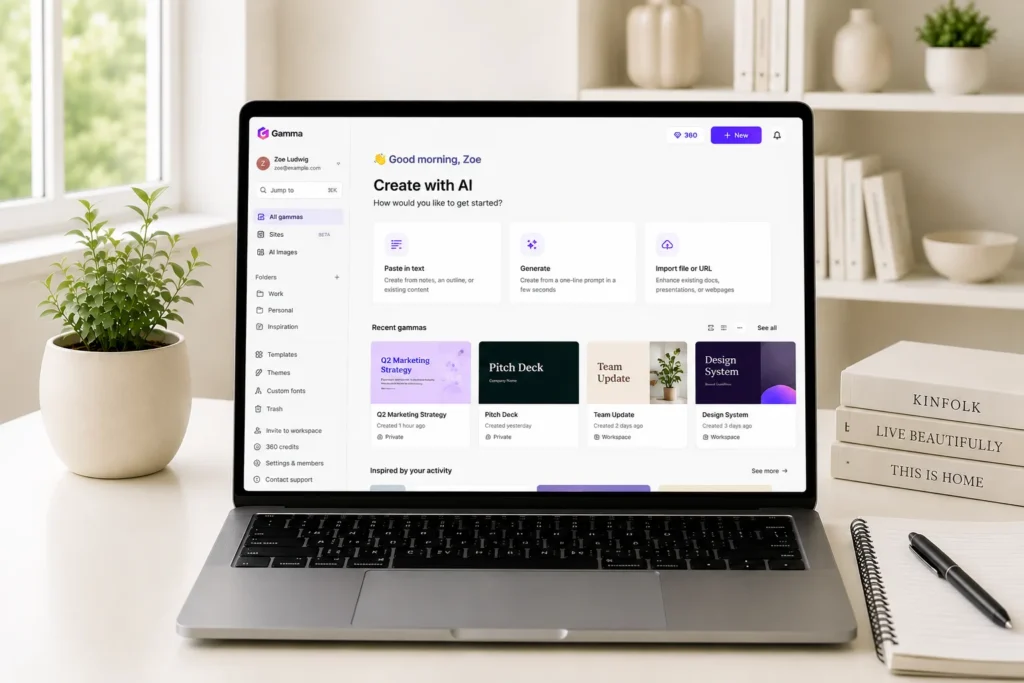
It takes many hours of precious study time to develop a presentation. With the help of AI, Gamma enables students to create comprehensive presentations in as little as a few minutes.
Users enter a topic, and the resultant structured presentation is created automatically by Gamma.
This gives it one of the quickest AI presentation applications around.
Key Features
- AI-generated presentations
- Professional slide layouts
- Automatic formatting
- Interactive presentation support
- Quick content generation
The most ethical and inspired uses for students.
- Research presentations
- Classroom projects
- Seminar presentations
- Group assignments
- Business school projects
Pros
- Saves significant time
- Modern presentation designs
- Easy customization
- Beginner-friendly
Cons
- Limited free credits
- Advanced features require upgrades
Who Should Use Gamma?
Students who have a habit of creating presentations regularly and desire professional-looking presentations without spending hours preparing slides.
GitHub Copilot – Best AI Tool for Programming Students
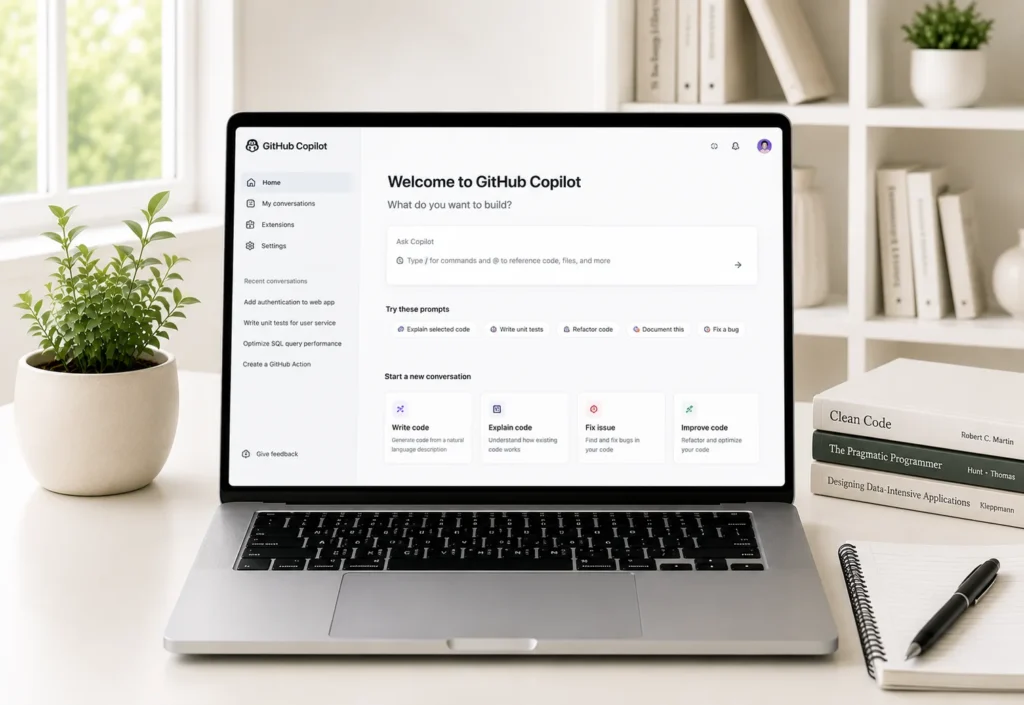
When programming, students have to spend a lot of time changing or debugging their code, learning new syntax and understanding new concepts.
GitHub Copilot is an AI coding assistant designed to assist students as they learn various coding practices.
It integrates seamlessly into code editors and gives coding suggestions as you code.
Key Features
- AI code completion
- Code generation
- Multi-language support
- Bug detection assistance
- Code explanation
- Development workflow support
Best Student Use Cases
- Learning programming languages
- Coding assignments
- Software development projects
- Debugging code
- Understanding coding concepts
Pros
- Increases coding productivity
- Assists novices in their learning process.
- Supports a variety of languages
- Useful for academic projects
Cons
- Never ignore generated code. Always review generated code.
- Not always ‘straight out of the blocklet’
Who Should Use GitHub Copilot?
Computer science students, Software engineering students, IT major students, and other computer programming students.
Why These Five Tools Matter for Students
The tools covered in this section address five major student needs:
| Need | Recommended Tool |
|---|---|
| Writing & Rewriting | QuillBot |
| Productivity & Organization | Notion AI |
| Design & Visual Projects | Canva AI |
| Presentations | Gamma |
| Coding & Programming | GitHub Copilot |
These AI tools, when used in conjunction, can enhance students’ productivity, organisation, and efficiency in various aspects of their studies.
Wolfram Alpha – Best AI Tool for Mathematics Students
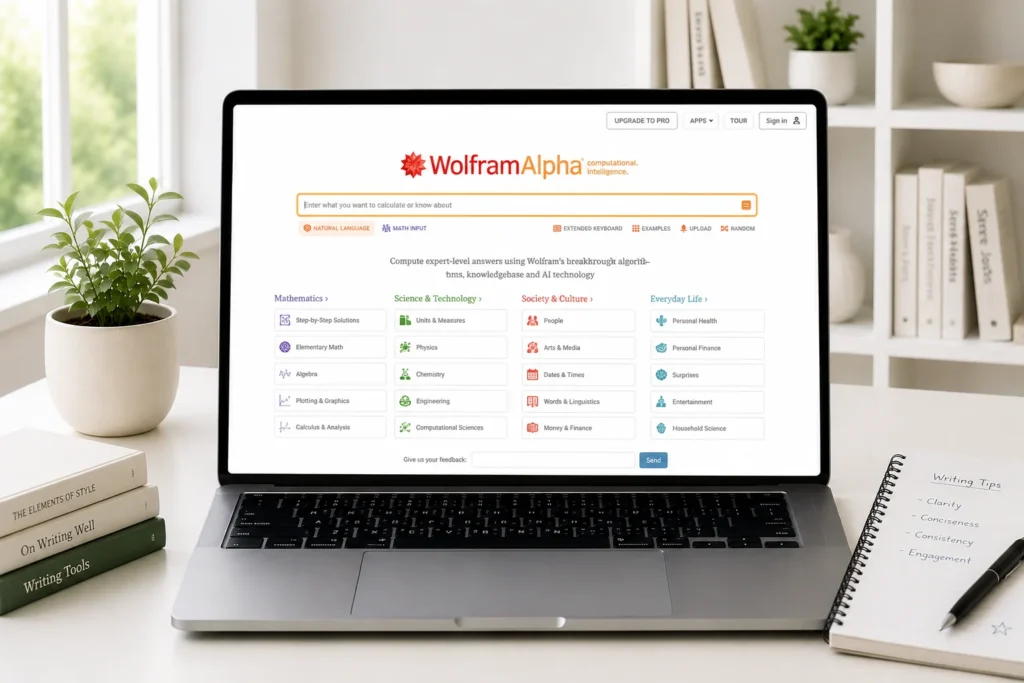
Wolfram Alpha is among the best AI learning tools for students taking math, engineering, physics, statistics, or any of the other science, technology, engineering, or math subjects.
Unlike regular calculators, Wolfram Alpha not only returns the answer, but it also gives you the method of how to get the answer. This allows it to be used as a valuable learning assistant and not just a problem-solving device.
Key Features
- Equation solving
- Step-by-step solutions
- Graph generation
- Scientific calculations
- Statistical analysis
- Engineering problem support
Best Student Use Cases
- Algebra
- Calculus
- Statistics
- Physics
- Engineering mathematics
Pros
- Highly accurate
- Great for Science, Technology, Engineering and Maths.
- Detailed explanations
- Supports advanced calculations
Cons
- About some advanced features, you will need to pay to access them.
- Not as useful for the non-STEM subjects
Who Should Use Wolfram Alpha?
Students studying mathematics, engineering, data science, physics and statistics.
Quizlet is the best AI exam quizzing tool. Quizlet is an ideal AI tool for exam preparation.
Preparing for exams often requires repetition, memorisation, and active recall. With AI-powered flashcards, quizzes, and study modes, Quizlet makes this easier.
Students are using Quizlet to help them remember more information and study better without anxiety.
Key Features
- AI-generated flashcards
- Practice tests
- Personalised study modes
- Learning games
- Vocabulary learning
- Revision tools
Best Student Use Cases
- Exam preparation
- Memorization
- Language learning
- Test revision
- Certification preparation
Pros
- Engaging learning experience
- Excellent retention support
- Mobile-friendly
- Easy to use
Cons
- There are some premium features that need to be subscribed.
Who Should Use Quizlet?
Test takers, Language learners, Quizzes, Examiners, Language learning assessment.
Otter.ai – Best for Lecture Transcription
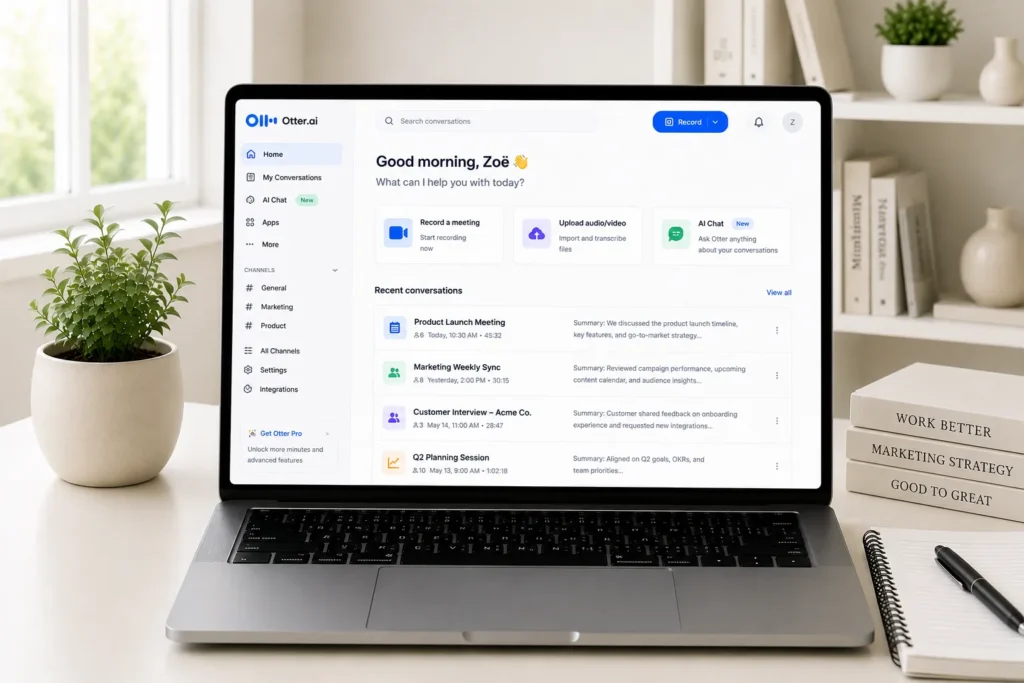
Taking notes as you listen to a lecture is a challenging problem for many students.
Otter.ai is the solution to this problem as it automatically records and transcribes lectures in real time.
This way, students can concentrate on learning rather than writing out all the words.
Key Features
- Live transcription
- AI-generated summaries
- Lecture recording
- Meeting transcription
- Searchable transcripts
Best Student Use Cases
- Lecture recording
- Online classes
- Group discussions
- Research interviews
- Revision sessions
Pros
- Saves note-taking time
- Accurate transcription
- Easy review process
- Easy to show through video calls or other virtual platforms.
Cons
- The accuracy will rely on the quality of the audio captured.
- Free plan limitations
Who Should Use Otter.ai?
Learners who are taking long lectures and require the record to be accessible for future editing.
Khanmigo – Best AI Tutor for Personalised Learning
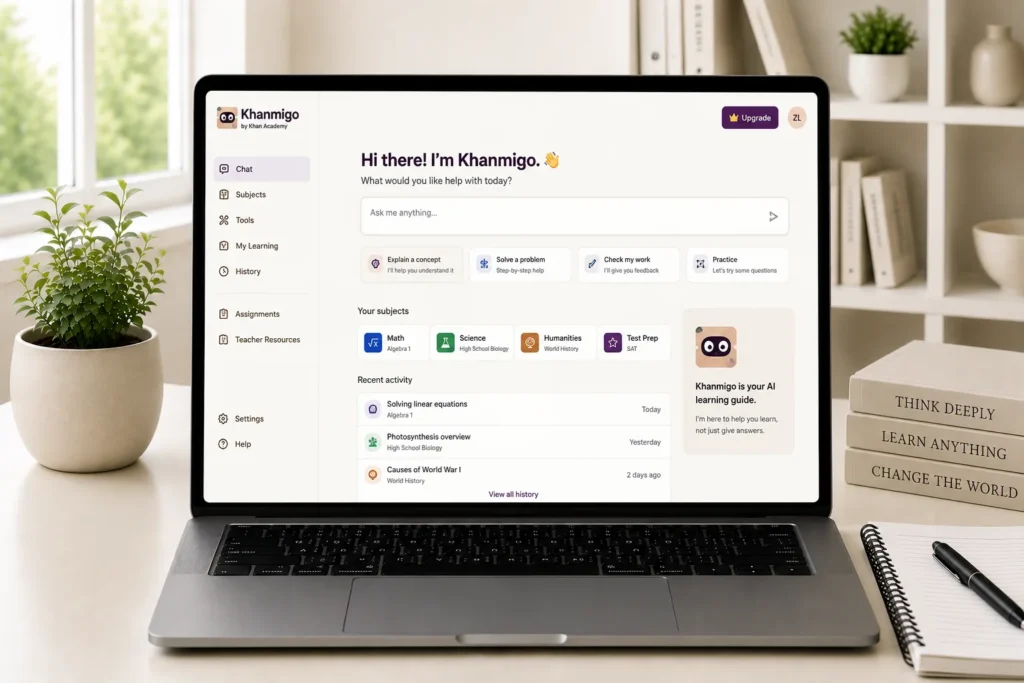
Unlike a number of AI-based tools, Khanmigo offers something unique.
It does not just give students the answers, but also generates problem-solving skills in students.
This makes it one of the most education-focused AIs around.
Key Features
- Personalized tutoring
- Guided problem-solving
- Interactive learning
- Educational support
- Learning-focused conversations
Best Student Use Cases
- Homework assistance
- Concept learning
- Exam preparation
- Skill development
Pros
- Encourages critical thinking
- Supports active learning
- Student-focused approach
Cons
Availability: Subject to availability in your region.
Limited compared to general-purpose AI assistants
Who Should Use Khanmigo?
Students seeking an online coach who is focused on learning rather than just the answers.
Microsoft Copilot – Best for Microsoft Office Users
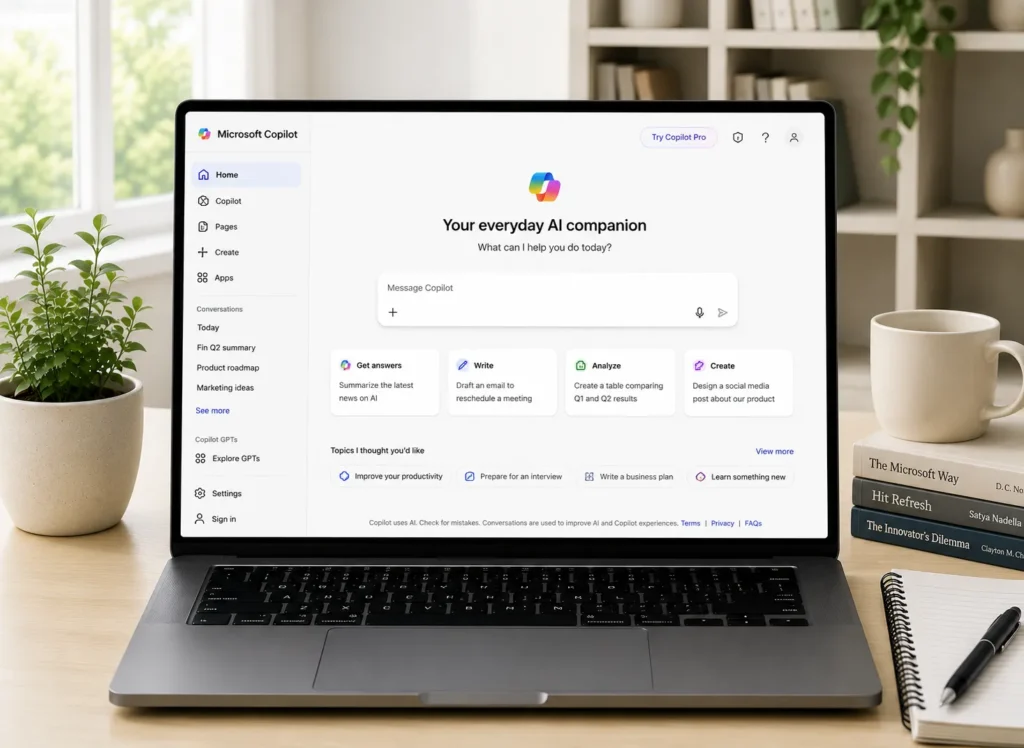
Microsoft Copilot aims to provide users with a more efficient way of working with Microsoft’s ecosystem.
Copilot empowers the frequent user of Word, PowerPoint, Excel, and OneNote with its productivity capabilities.
Key Features
- Document drafting
- PowerPoint assistance
- Spreadsheet analysis
- Research support
- Productivity enhancements
Best Student Use Cases
- Essay writing
- Presentation creation
- Data analysis
- Academic productivity
Pros
- Strong Microsoft integration
- Is helpful for learning purposes
- Easy-to-use interface
Cons
- Subscription required for some advanced features
Who Should Use Microsoft Copilot?
Students who heavily use the Microsoft Office suite of applications for academic endeavours.
Which AI Tool Is Best for Different Types of Students?
Every student is not the same, and not all students have the same academic aims. Selecting the appropriate AI tool for the task at hand can enhance productivity and learning.
| Student Type | Recommended AI Tool | Why It Works |
|---|---|---|
| School Students | Google Gemini | Easy explanations and research support |
| College Students | ChatGPT | Versatile support across subjects |
| University Researchers | Perplexity AI | Source-backed answers and citations |
| Medical Students | NotebookLM | Works with lecture notes and PDFs |
| Engineering Students | GitHub Copilot | Coding and technical project support |
| Mathematics Students | Wolfram Alpha | Step-by-step problem solving |
| Design Students | Canva AI | Fast visual project creation |
| Writers & Humanities Students | Grammarly | Improves academic writing |
| Students Preparing for Exams | Quizlet | Flashcards and revision tools |
| Productivity-Focused Students | Notion AI | Planning and organization |
The most successful students must utilise more than one AI platform as opposed to just one.
How to Use AI Responsibly as a Student
AI is a wonderful but responsible learning assistant.
Avoid Plagiarism
If you submit content generated with AI tools without review and editing, it can be considered plagiarism and result in disciplinary actions such as failing the class and receiving a zero grade. It may be plagiarised, subjecting the student to disciplinary sanctions (failure and a score of zero). Leverage AI resources for guidance, but not to replace any work.
Verify Important Information
Even the best AI tools can make mistakes. Verify vital information, quotations, and academic statements.
Use AI to Learn, Not Replace Learning
The aim of artificial intelligence should be to enhance learning. Use AI to explain concepts and give examples, and then let the students learn, rather than doing everything for them.
Follow School and University Policies
There are varying policies in regard to the use of AI in educational institutions. If you are using AI tools to complete assignments, be sure to adhere to your school’s guidelines.
Best AI Tools by Use Case
Students frequently look for AI tools that meet their particular needs. No need to ponder which are the top choices — here are our recommendations.
Best AI Tool for Homework Help
Winner: ChatGPT
ChatGPT can clarify a concept, provide examples and assist students in comprehending topics across several subjects that might be difficult.
Best AI Tool for Academic Research
Winner: Perplexity AI
Perplexity provides source-backed answers, making it one of the safest options for academic research.
Best AI Tool for Studying Lecture Notes
Winner: NotebookLM
The students can upload their own PDFs and notes to create a personal study assistant that uses AI. Students can upload their notes and PDFs and make their AI study buddy.
Best AI Tool for Essay Writing
Winner: Grammarly
Grammarly enhances grammar, clarity, sentence construction and writing style.
Best AI Tool for Coding Students
Winner: GitHub Copilot
With Copilot, students learn to code more quickly, and the tool can generate code to get them started.
Best AI Tool for Mathematics
Winner: Wolfram Alpha
One of the best AI-based problem-solving and answer-generating software is Wolfram Alpha.
Best AI Tool for Presentations
Winner: Canva AI
Canva AI is simple to use and includes strong design tools to make a professional presentation.
Best AI Tool for Exam Preparation
Winner: Quizlet
Using the Quizlet AI features and flashcard game tools helps with more effective revision.
Final Verdict
Artificial intelligence has revolutionised the education sector by simplifying how students learn, study, write and prepare for exams. The ideal AI tool will be highly dependent on your academic requirements, but some platforms stand out from the rest.
For an all-in-one AI study tool, ChatGPT is still the number one option.
For academic research, Perplexity AI provides trustworthy answers from credible sources and cites them.
NotebookLM offers one of the most powerful personalised learning experiences in the world for the study of lecture materials and PDFs.
The synergy among a few AI tools can create even greater accomplishments with students. Examples of these tools include researching with Perplexity, studying with NotebookLM, enhancing writing with Grammarly, and making presentations with Canva AI.
The future of AI is rapidly changing, and students who understand its capabilities and how to leverage them will be better positioned to be more productive, efficient in their learning, and achieve their goals in school.
Our Top Picks for 2026
- ChatGPT – Best Overall AI Tool for Students
- Perplexity AI: For research and citations.Perplexity AI – Best for research and citations.
- NotebookLM – Best for Studying Notes and PDFs
In school, college or university, the right AI tools can help you study smarter, save time and concentrate on what you need to concentrate on – your learning.
Must Read: 15 Best Low End PC Games for 4GB RAM Without a Graphics Card (2026)
Frequently Asked Questions
What is the best free AI tool for students in 2026?
For students, ChatGPT is the best all-in-one tool so far, as it facilitates research, writing, learning, productivity, coding, and helps handle homework.
Is ChatGPT free for students?
Yes. ChatGPT’s free plan offers access to robust AI tools ideal for most students’ needs.
Which AI tool is best for research papers?
Perplexity AI: It is one of the best options, giving references and information backed by sources.
What is the best AI tool for homework help?
ChatGPT has been widely regarded as the most helpful homework helper for various subjects.
Which AI tool helps with lecture notes?
NotebookLM is specially optimised to operate on uploaded notes, PDF files and educational content.
Are AI tools allowed in schools and colleges?
Diploma programs are institution-specific. Students are urged to check the school guidelines on the use of AI-generated content in their assignments before starting to use it.
Which AI tool is best for coding students?
One of the best AI coding assistants for students who are mastering programming is GitHub Copilot.
Can AI improve academic performance?
AI can enhance productivity, comprehension, research efficiency, and study techniques when applied responsibly.